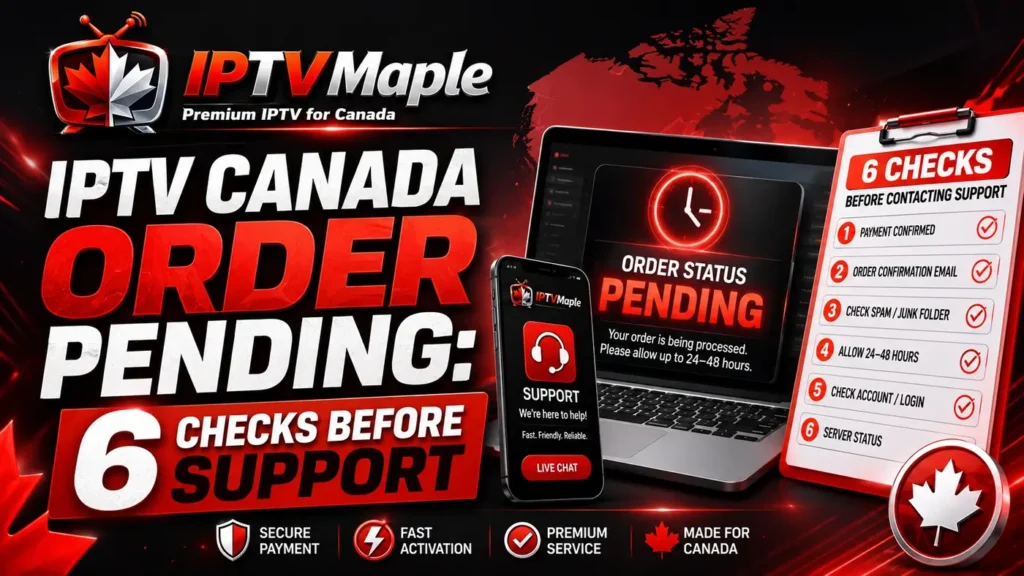
IPTV Canada Order Pending: 6 Checks Before Support
IPTV Canada Order Pending means the order does not look fully completed yet, or the user is not sure whether payment, confirmation and access preparation have finished. This can happen after purchase when the order needs more time, payment is still processing, or the confirmation email has not been checked carefully.
This guide explains what to verify before contacting support. It focuses on payment status, order confirmation, processing time, duplicate orders and access delivery. For the full post-purchase help path, users can also read the IPTV Canada Support Guide.
Why IPTV Canada Order Pending can happen after purchase
IPTV Canada Order Pending can appear when the order is not clearly marked as completed from the user side. Sometimes the payment is still being reviewed. Sometimes the confirmation email is delayed. Sometimes the access has not been prepared yet because the order is still in a waiting stage.
A pending order is different from access not received. If the order is already confirmed but no details arrived, the guide IPTV Canada access not received is the better next step. If the order itself is still unclear, stay focused on order and payment status first.
The main goal is to avoid confusion. Before sending a support message, check whether the issue is really order pending, payment pending, missing email, or access not delivered yet.
The order status is unclear, payment may still be processing, or confirmation has not fully appeared.
The order appears confirmed, but the access details are not visible in email or support messages.
1. Check if the payment is completed or still pending
The first step is to check whether the payment is completed or still pending. If the payment has not finished, the order may not be ready for activation yet. This can make IPTV Canada Order Pending appear even when the user has already started the checkout process.
Look for a payment confirmation, receipt, bank notification or checkout message. If the payment is under review, failed, cancelled or still waiting, support may need that information before confirming the next step.
Stripe explains the general idea of payment authorization, which can help users understand why a card transaction may show an intermediate status before everything is fully completed.
Do not send sensitive card details to support. Usually, the order email, payment status and approximate purchase time are enough to start a safe verification.
2. Review your order confirmation email
The next step is to review the order confirmation email. A user may think the order is pending because the access details are not visible yet, but the confirmation email may contain important information about processing or next steps.
Check the main inbox, spam folder, junk folder and promotions tab. Search for terms such as order, confirmation, payment, access, activation or support. If you used more than one email address, check the email used during checkout first.
A confirmation email does not always mean access is already delivered. It may only confirm that the order was received. That is why the wording inside the email matters.
3. Give the order a reasonable processing window
Some orders need a short processing window before access is ready. If only a few minutes have passed, IPTV Canada Order Pending may simply mean the order is still moving through the normal steps.
Check the time of purchase, the payment status and any confirmation message. If the order was just placed, avoid sending multiple support messages immediately. A single clear message after basic checks is more useful than repeated follow-ups without details.
The checkout is completed and the user should keep the purchase email ready.
The payment may appear completed, pending, failed or still under review.
The user checks whether an order or payment confirmation was received.
If the order remains unclear, support receives one organized request.
4. Avoid placing the same order twice too quickly
When an order seems pending, some users try to place the same order again immediately. This can create duplicate requests, duplicate payment attempts or extra confusion for support.
Before ordering again, check the payment status and confirmation email. If the first order is still pending, it is better to verify that order instead of creating a second one too quickly.
If you already sent a support request, wait for a response instead of opening several new messages with the same issue. Keeping one clear support thread makes the situation easier to follow.
5. Check if access details were already sent
Sometimes the order is not actually pending anymore. The access details may have already been sent, but the user missed the message. That can make the situation look like an IPTV Canada Order Pending issue when it is really an email search issue.
Search all email folders for access, activation, login, order and support. Also check whether a support message was already sent in the same conversation. If access details are found, the next step is not order pending anymore; it becomes activation, login or app access.
Users can start again from iptv canada and follow the article that matches the exact next step after the order is confirmed.
6. IPTV Canada Order Pending: when to contact support
Support should be contacted when the payment status is unclear, the order confirmation is missing, the processing window feels longer than expected, or the user cannot tell whether the order moved forward.
When contacting support about IPTV Canada Order Pending, do not send only “my order is pending.” Include the order email, approximate purchase time, payment status and what you already checked.
The guide IPTV Canada support explains how to write a clearer support request with the right details.
What to include in your support request
A useful support request should include the email used during purchase, the approximate order time, the payment status shown to you, whether a confirmation email arrived, and whether access details were found.
Also mention if you checked spam, junk and promotions folders. This prevents support from asking the same basic questions again and helps them verify the order faster.
IPTV Canada Order Pending checklist
Use this checklist before contacting support about a pending order.
- Check whether payment is completed, failed, pending or under review.
- Look for an order confirmation email.
- Search spam, junk and promotions folders.
- Review the approximate time of purchase.
- Avoid placing the same order twice too quickly.
- Check if access details were already sent.
- Prepare one clear support request with order context.
Simple support message example
If IPTV Canada Order Pending is still unclear, use a message like this:
- Hello, I placed an order using this email address.
- The order still appears pending / I am not sure if it was completed.
- The payment appears completed / pending / unclear from my side.
- The order was placed at approximately this time.
- I checked inbox, spam, junk and promotions folders.
- I did not place a second order because I want to verify this one first.
- Can you please confirm the order status and next step?
Common mistakes with pending orders
The first mistake is confusing order pending with access not received. If the order is not confirmed yet, focus on payment and confirmation first. If the order is confirmed but access is missing, focus on email and access delivery.
The second mistake is placing the same order again too quickly. This can create duplicate records and make support verification slower.
The third mistake is not checking spam or junk folders. A confirmation email may be filtered, especially if it is automated.
The fourth mistake is sending support a vague message with no order email, payment status or time of purchase. A clear pending-order message should include all three.
FAQ about IPTV Canada Order Pending
What does IPTV Canada Order Pending mean?
IPTV Canada Order Pending means the order does not look fully completed yet, or the user is not sure whether payment, confirmation and access preparation are finished.
Should I place another order if the first one is pending?
Not immediately. First check payment status, confirmation email and support messages. Placing another order too quickly can create duplicate confusion.
Can payment be the reason my order is pending?
Yes. If payment is still processing, failed, cancelled or under review, the order may not move forward until the status is clear.
Is order pending the same as access not received?
No. Order pending means the order status itself is unclear. Access not received means the order appears confirmed but access details have not arrived.
What should I send to support?
Send the order email, approximate purchase time, payment status, whether confirmation arrived and what folders you checked.
How can I avoid confusion with pending orders?
Keep one support thread, avoid duplicate orders, check email folders carefully and send one clear message with order context.
Conclusion: check order status before repeating the purchase
IPTV Canada Order Pending should be handled with a simple method: check payment status, review confirmation email, allow a reasonable processing window, avoid duplicate orders and verify whether access was already sent.
If the order still looks unclear, send support one organized message with the order email, payment status and purchase time. This keeps the request focused and makes the next step easier to confirm in 2026.





