IPTV Application Downloads for All Devices
IPTV application downloads made simple: choose the right player for your device and follow our setup guide.

Hot Player

IBO Player Pro

IPTV Smarters Pro

Smartes Player Lite

XP IPTV / OTT

Tivimate
Smart IPTV

Smart STB

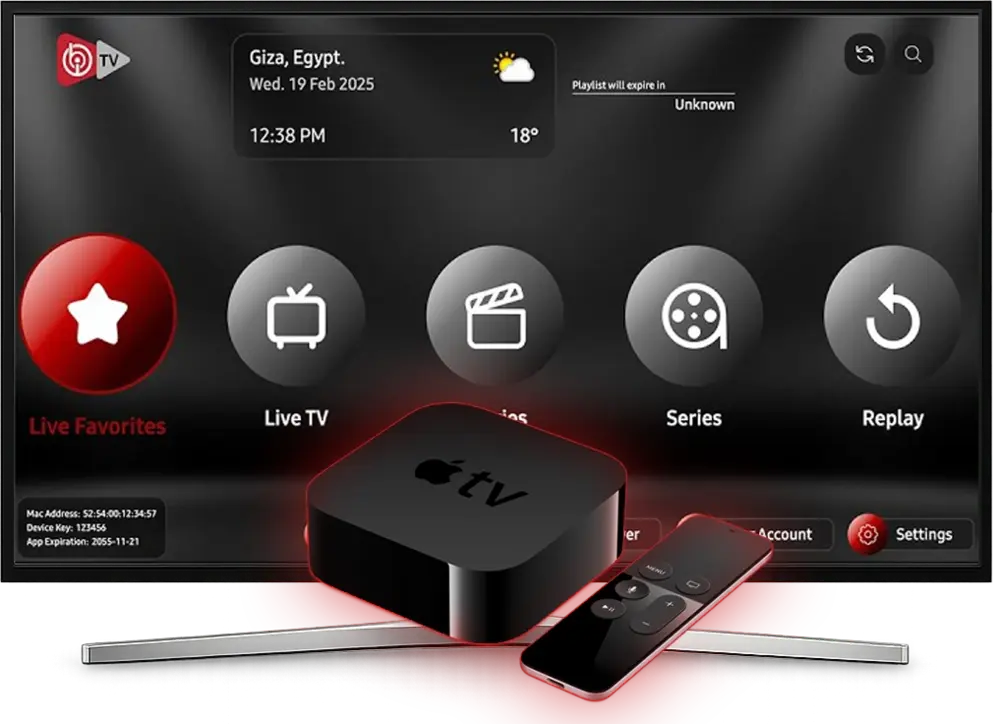
Compatible streaming players to download
Explore our selection of the best IPTV apps to optimize your subscription. Each downloadable app is tested to ensure compatibility, stability, and smooth performance across Smart TV, Android, iOS, PC, and Mac. Start from IPTV Canada for trusted app resources.
- Simple setup with detailed installation guides
- HD/4K quality adapted to your screen
- Stable streaming without interruptions
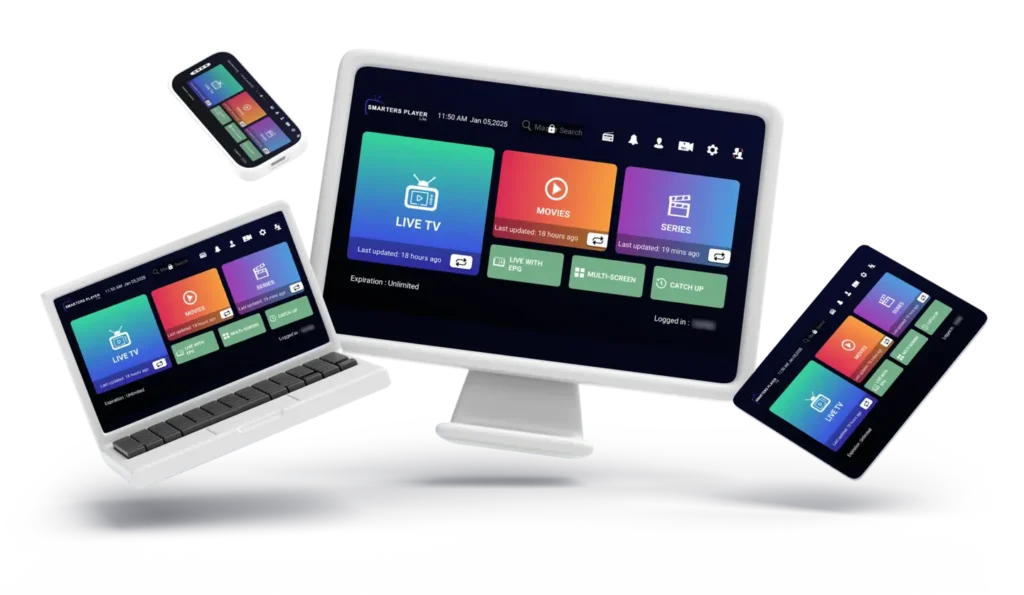
Compatible Streaming Players
Find the ideal IPTV application ( IPTV Smarters Pro )
Whether you need an Android player, a Windows player, or a Smart TV solution, we provide proven options that are easy to configure. Find the best IPTV application for your device and usage.
- Verified streaming players for compatibility and stability
- Detailed installation guides for each platform on our blog
- Tips to choose the right IPTV application for your preferences
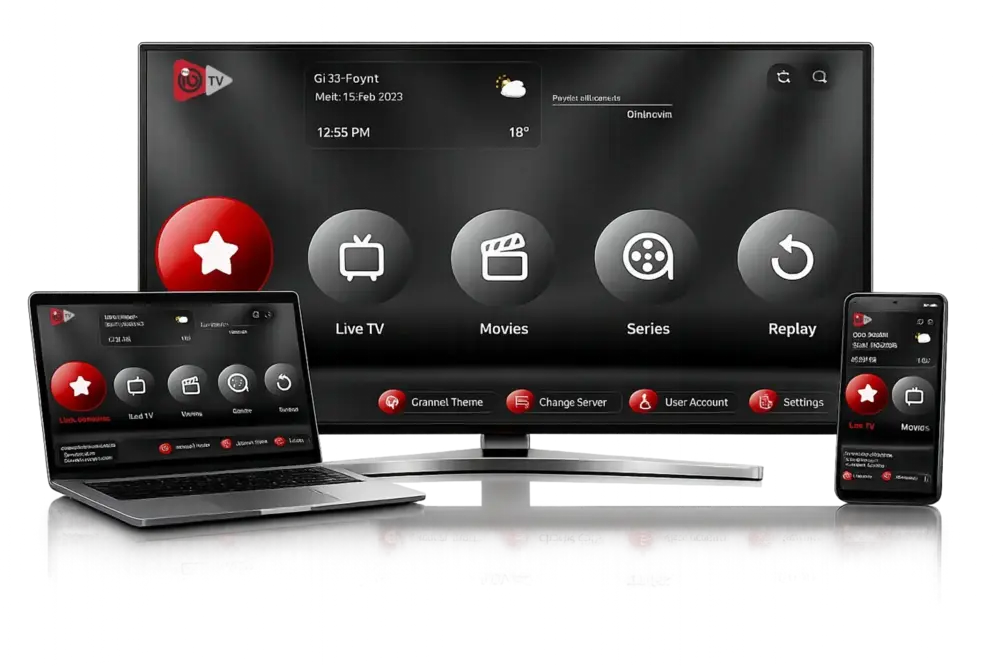
Recommended Streaming Players
Find the best IPTV application for your setup. Our streaming players are tested for compatibility, stability, and a clear interface, whether you need Android, Windows, or a solution for Smart TV.
- Precise installation guides for each player
- HD/4K options based on your screen resolution
- Optimized streaming for smooth, stable playback
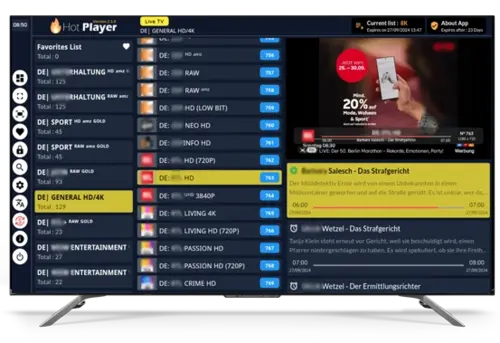
Fast download and setup
Download the best player in just a few simple steps. Our guides explain which option to choose and how to install your IPTV application on Android or Windows to start streaming immediately. Need help? Contact us.
- Clear procedure for each platform (Android, Windows, Smart TV)
- Connect by URL or provided credentials
- Tips for smooth and stable playback

Which IPTV application should you choose?
Not sure which player to install? This download guide helps you find the best IPTV application for your device (Android, Windows, Smart TV). Compare recommended options and choose the one that fits your usage.
Prepare Your Connection Before Setup
Before installing any player, make sure your home network is ready. A stable router, clean signal coverage, and updated firmware reduce buffering more than any visual tweak. Place your router in an open area, avoid congested channels, and run a quick speed test during peak evening hours. This simple preparation step saves time later and gives you a more consistent experience on every device in your house.
- Restart your router and modem at least once a week
- Use 5 GHz Wi-Fi when the device is near the router
- Prefer Ethernet for TVs and set-top boxes when possible

Get Smoother Viewing on Any Screen
Many playback issues come from default settings that do not match your internet speed or screen size. Start with adaptive quality, then tune frame rate and decoder mode based on your device performance. If motion looks choppy, test hardware decoding and compare results for live channels and on-demand videos. Small changes can noticeably improve responsiveness, reduce freezes, and keep picture quality stable during busy hours.
- Match output resolution to your TV panel instead of forcing max
- Enable hardware decoding when your device supports it well
- Test one setting at a time to isolate what improves performance
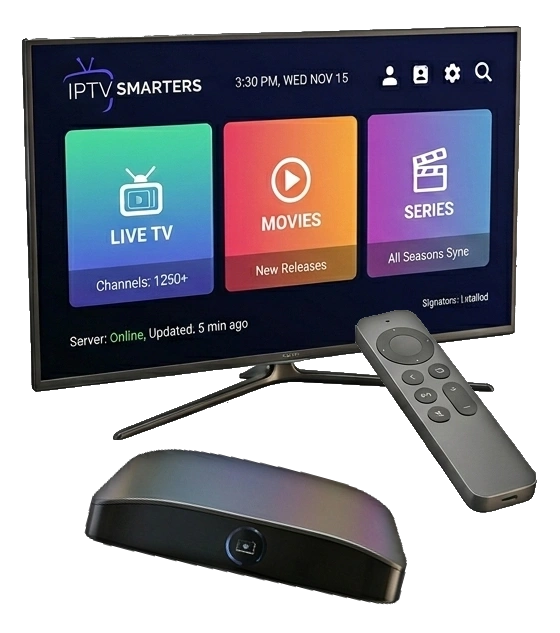
Organize Categories for Faster Navigation
A clean content library helps users find channels faster and reduces daily friction. Build a practical structure with favorites, family-safe folders, and frequently watched categories near the top. Remove duplicates, hide unused groups, and keep naming consistent across all devices. When the interface is organized, remote control navigation becomes easier, search results are cleaner, and the overall viewing experience feels much more premium.
- Create a Daily Watch group for your top channels
- Separate sports, movies, and kids content into clear folders
- Review and clean unused lists every two weeks
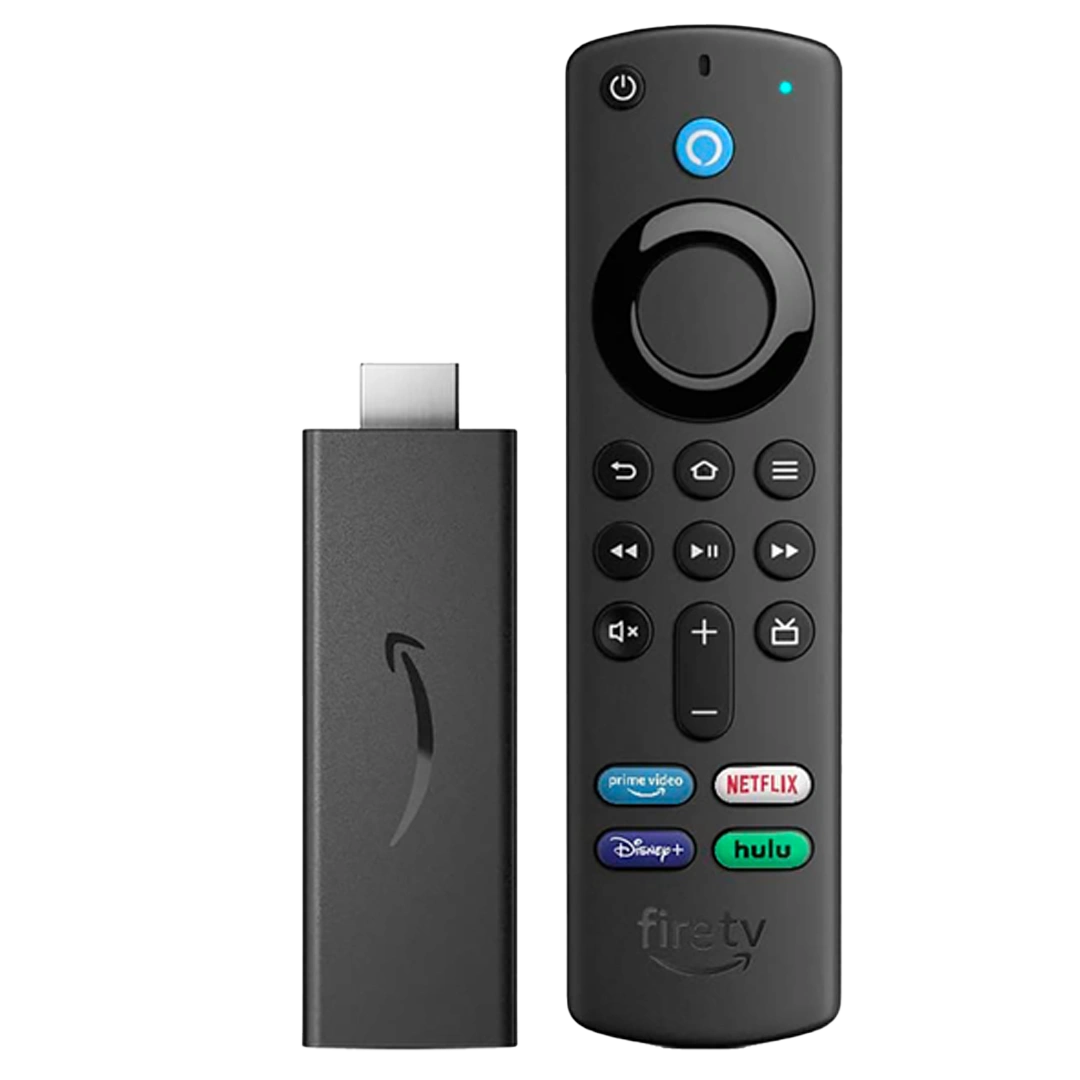
Keep Performance Consistent Over Time
Long-term stability depends on maintenance, not just initial setup. Clear cache files, update your player version, and reboot devices regularly to prevent slowdowns. Check storage health and remove unused tools that run in the background. If subtitles, audio sync, or loading speed start degrading, a quick maintenance cycle often resolves the problem. This routine keeps your environment clean and extends reliable performance across all screens.
- Clear cache and temporary files on a weekly schedule
- Update firmware and player builds after release validation
- Reboot low-memory devices before high-traffic events
FAQ - IPTV Subscription
Have questions about our IPTV subscriptions? Check our FAQ for clear, detailed answers about our services, activation, compatibility, and more.
An IPTV Maple subscription gives you access to thousands of TV channels, movies, series, and live sports over the internet. Unlike traditional providers, IPTV runs through a stable online connection and delivers HD, Full HD, and 4K quality when available.
The best IPTV Maple subscription is the one that guarantees stability, picture quality, and responsive support. Our service offers a reliable IPTV subscription with high-performance servers, interruption-free streaming, and multi-device compatibility.
Read moreYour IPTV subscription activates quickly. After payment validation, you receive your credentials within 1 to 5 minutes. The service runs 24/7 to ensure immediate setup.
A low-cost IPTV subscription can be reliable when it is built on stable infrastructure. Our Canada IPTV subscription combines competitive pricing with optimized servers for smooth HD and 4K streaming without interruptions.
Read moreOur IPTV Maple subscription is compatible with Smart TV (Samsung, LG), Android TV, Fire Stick, Apple TV, Android and iOS smartphones, PC, and Mac. Setup is easy through M3U or Xtream Codes on the main players.
After your purchase, you receive a detailed guide by email. Setting up your IPTV Maple subscription is simple and fast thanks to compatible players. Our support team is available 7 days a week to help you.
Read moreThe service offers HD, Full HD, and 4K channels depending on availability. The servers are optimized to ensure stable streaming, even during live sports events.
Yes, we offer a 3-day money-back guarantee. This lets you test the quality and stability of the service with confidence.
Payments are secured by bank card and other protected methods. All transactions are encrypted through SSL.
Need help with setup or activation?
Get direct guidance for installation, login details, playlist setup, and device compatibility.
Our IPTV Maple team answers fast and keeps the process simple from purchase to streaming.